Beginner path
Use static source, medium, and campaign values before adding keyword, creative, or device placeholders.
Google Ads guide
Copy a simple suffix, understand where UTM and ValueTrack fields belong, and test the final click without rewriting the landing page URL itself.
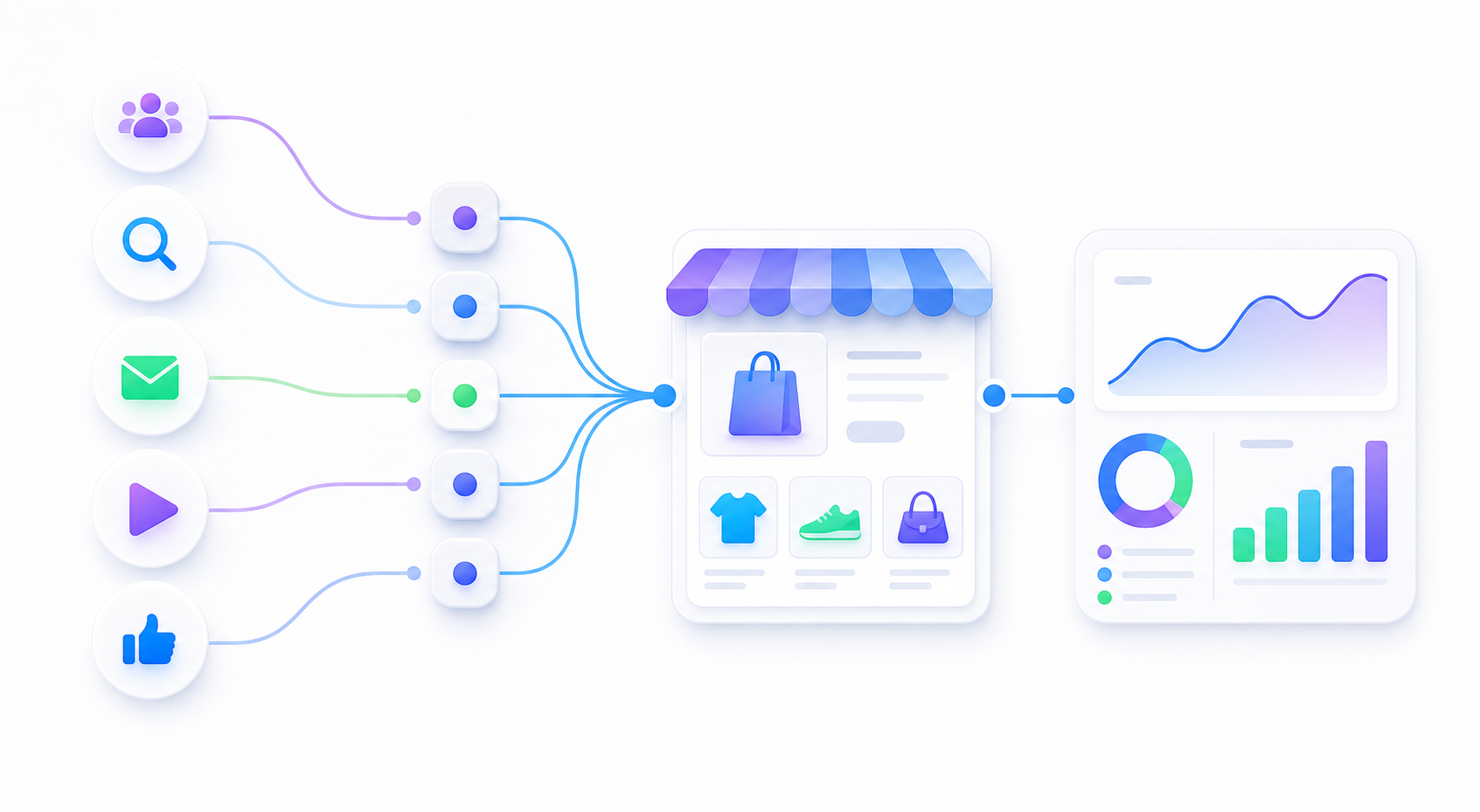
Use static source, medium, and campaign values before adding keyword, creative, or device placeholders.
Existing UTMs, account-level templates, tracking templates, and landing page redirects can collide.
Google's test click reaches the right page and GA4 Realtime shows the expected campaign fields.
This style is easier for a small ecommerce team to read and debug.
Use placeholders only when you need the extra reporting detail and have checked the campaign type in the live account.
FAQ
It is a parameter string that Google Ads appends to the landing page URL. It can contain UTM fields and supported ValueTrack parameters without replacing the landing page itself.
No. Enter the parameter string without a leading question mark, for example utm_source=google&utm_medium=paid_search. Google Ads handles the separator.
Yes, but keep auto-tagging and manual UTM purposes clear. Test the final click and avoid adding duplicate UTM keys at several account or campaign levels.
A short suffix that works beats a clever suffix that nobody can debug when traffic starts.