Best first path
Keep the product or collection link readable and only add enough UTM structure to answer the reporting question.
Shopify guide
Copy a Shopify UTM example for a product, collection, paid ad, or promotion, then verify the final store URL and campaign values in GA4 Realtime.
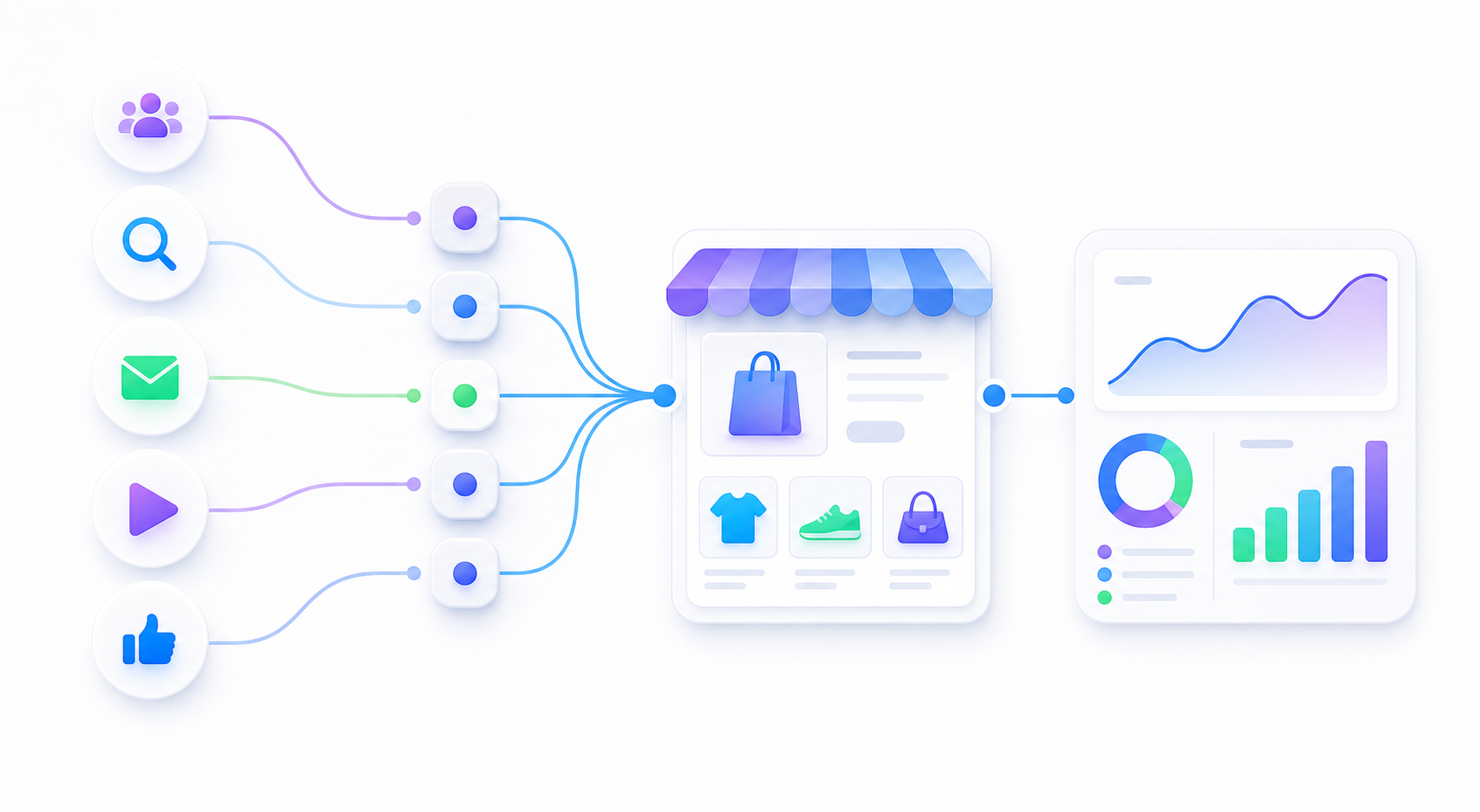
Keep the product or collection link readable and only add enough UTM structure to answer the reporting question.
Duplicate tags, messy naming, or overcomplicated redirect chains can make Shopify reporting harder to trust.
The Shopify URL still opens the right page and GA4 still reads the source, medium, and campaign cleanly.
A product URL is the simplest test case when you want to verify the landing page and the source labels together.
A collection URL works well when you want a broader ecommerce entry point instead of a single product page.
FAQ
Start with utm_source, utm_medium, and utm_campaign. Add utm_content when you need to compare ads, creators, placements, or email links.
Keep the same naming rules, but use channel-specific source and medium values. Meta and Google Ads should not share identical source values.
Open the final Shopify URL, confirm the product or collection page loads with the UTM parameters intact, and check the visit in GA4 Realtime before launch.
Readable examples make it much easier to keep the store setup stable across launches.