Best first path
Keep the partner link readable, preserve any existing affiliate parameters, and only add more structure once the network or partner format is clear.
Affiliate guide
Create one readable affiliate URL with UTM tags and sub IDs, preserve required network fields, and test the final click path before you send it to a partner.
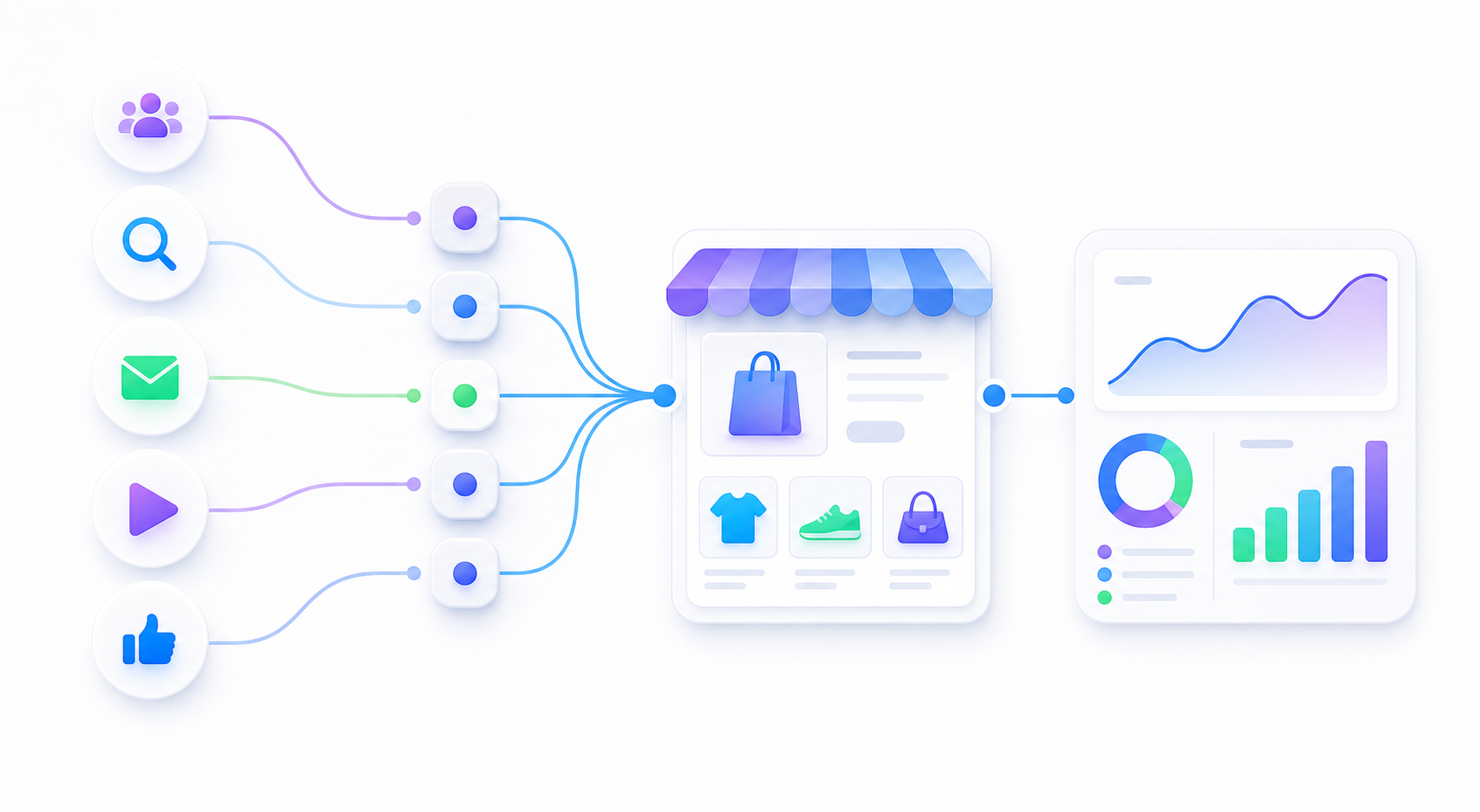
Keep the partner link readable, preserve any existing affiliate parameters, and only add more structure once the network or partner format is clear.
Too many sub-IDs, partner parameters, or redirects can make the final tracking link hard to audit and harder to reconcile later.
The final link opens correctly, keeps the partner data intact, and still gives you a usable source path in GA4.
An affiliate tracking link should answer three basic questions: which partner sent the click, which placement or creator drove it, and which campaign or creative should be compared later. Keep the URL understandable before adding more partner-specific fields.
Affiliate as the traffic channel.| Need | Recommended path | Reason |
|---|---|---|
| Partner launch | Readable sub-IDs | Easier for both sides to inspect the link without parsing a dozen fields. |
| Multiple partners | Stable IDs | Better when the same structure needs to work across many partner accounts. |
| Existing network link | Preserve it first | Do not break a working affiliate link just to make it look prettier. |
An affiliate tracking link is a partner URL that carries source, campaign, partner, placement, or creative labels so you can understand where a click came from before comparing affiliate or GA4 reports.
Start with utm_source, utm_medium, utm_campaign, and a small number of sub ID fields. Preserve required affiliate network parameters and avoid customer data.
Open the final URL, follow redirects, confirm partner parameters remain intact, and check GA4 Realtime if the link is meant to support analytics validation.
It is a free link builder and URL QA guide. It creates tagged partner URLs, but it does not record clicks, commissions, conversions, or affiliate payouts like a full affiliate platform.
Transparent partner links are easier to trust, easier to debug, and easier to hand off to someone else later.