Use case
Partner links, creator links, coupon-site links, newsletter placements, and affiliate network handoffs.
Affiliate examples
Use these affiliate URL parameter examples to keep partner traffic transparent, preserve network fields, and avoid handing affiliates a link that no one can debug later.
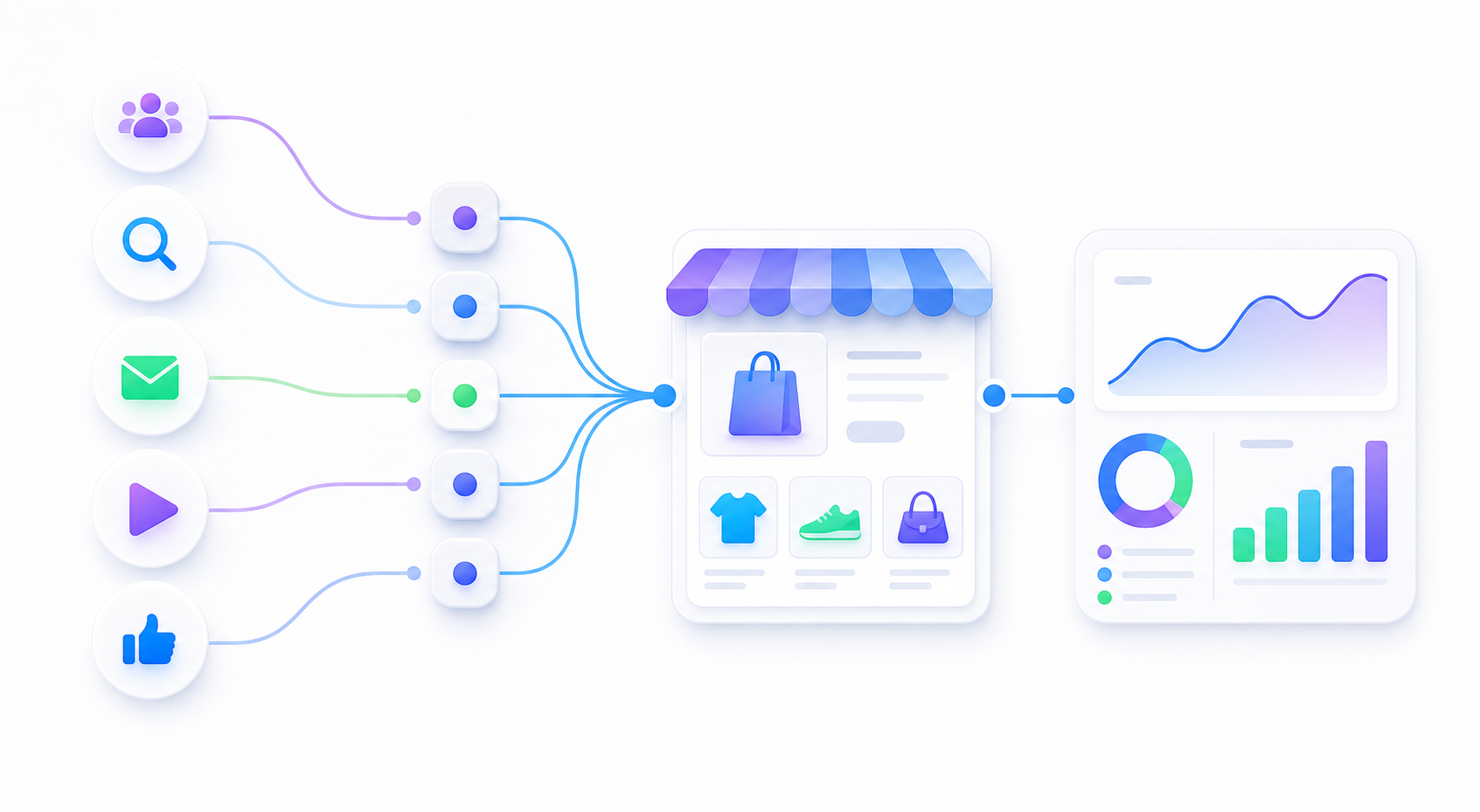
Partner links, creator links, coupon-site links, newsletter placements, and affiliate network handoffs.
Preserve required network parameters and use sub IDs only for partner, placement, and creative labels.
Open the link, follow redirects, and confirm the final page still contains the fields your reports need.
Use this when partners and operators need to understand the affiliate tracking link by looking at it.
Use this when your affiliate network or internal report already maps partner IDs, placement IDs, and creative IDs.
| Field | Suggested meaning | Example |
|---|---|---|
sub1 |
Partner or publisher | partner_name |
sub2 |
Placement, page, email, or creator slot | newsletter_slot |
sub3 |
Creative, coupon, or content label | video_creative_01 |
utm_campaign |
Merchant-side campaign name | summer_partner_push |
Start with readable UTM fields for source, medium, and campaign, then use sub ID fields only for partner, placement, creative, coupon, or content labels that you can report on later.
Readable names are easier for a first partner launch. Stable IDs work better when your affiliate network, spreadsheet, or BI report already maps partner IDs, placement IDs, and creative IDs.
No. Do not put customer emails, names, phone numbers, order IDs, addresses, or private customer details into affiliate URL parameters or UTM fields.
Readable sub IDs make the first launch easier. Stable IDs make scale easier. Pick one intentionally.